
Projector rental
Renting a projector is more than just picking up a device. The image has to be bright in the space where it stands, the throw distance has to be right and the connection with your laptop has to work without any hassle. HuurAV selects the right projector based on brightness and distance, takes care of the setup and tests everything before your audience arrives.
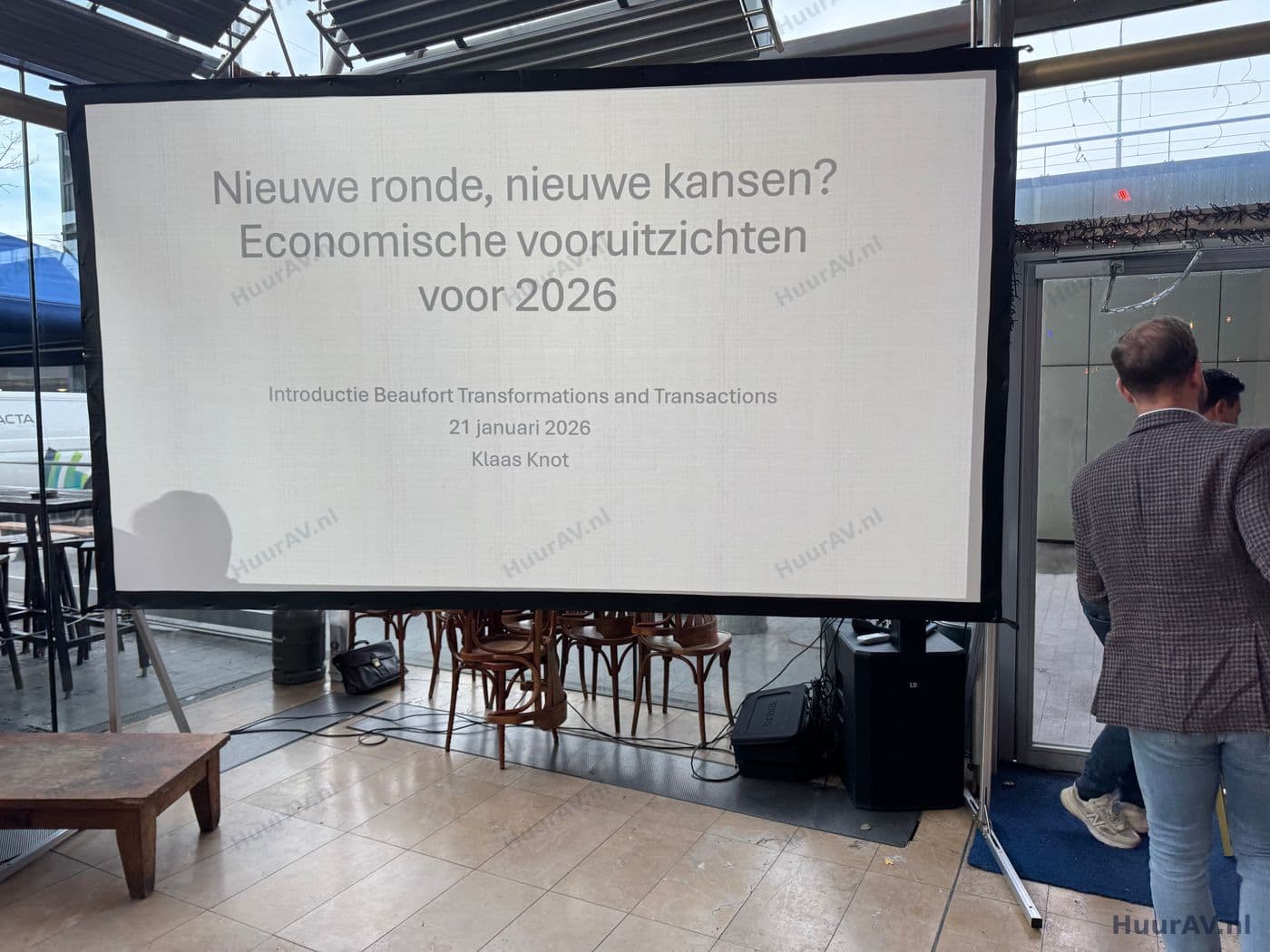
The right projector for your space
Renting a projector starts with the space, not with the device. A projector that produces a stunning image in a darkened hall disappears completely in a bright meeting room. That is why HuurAV first looks at the place where the image needs to appear: how large is the space, how much daylight or artificial light is there, how many guests are expected and how large does the image need to be so it is still readable from the back.
Based on that, we determine the brightness required, measured in lumens, and the throw distance. Together with the lens, the throw distance decides how large the image becomes and where the projector can stand. This prevents the image from turning out too small, the setup from ending up in the middle of a walkway, or the image appearing distorted or out of focus on the screen or wall. So you do not receive a loose device, but a working setup that fits your situation.
Setup, connection and test
On location we position the projector in the right spot and take care of the cabling to your laptop or source material. We provide the right cables and adapters, because it is precisely the connection between laptop and projector where things often go wrong. Next we set the image straight and sharp and check the image size from various points around the room.
Before your audience arrives, we run through everything: your presentation, any video and, if clips are shown, the sound that goes with them. If you want to be sure it keeps running throughout your event, we provide technical support and a technician stays on hand to operate the equipment and step in immediately if needed. That way you can keep your attention on your story and not on the buttons.
Practical points to consider
With a projector, pay attention to the surroundings. Bright daylight falling close to the projection surface weakens the image, even with a powerful projector. So think ahead about blackout options or about where to place the screen. Sightlines matter too: a projector produces a large image, but heads and pillars should not block the lower half. We think along with you and advise on the setup and, where needed, on additional lighting so the speakers stay visible without washing out the image.
Would you rather pick up a compact projector yourself for a small gathering? Then you can rent individual equipment via SpeakerVerhuur.nl. If you are looking for a fully arranged setup with advice, setup and testing, let us know what you have in mind and request a quote with no obligation.
Advice on brightness and distance
Based on the space, the lighting and the number of guests, we determine which projector fits best in terms of brightness and throw distance.
Setup and connection
We position the projector in the right spot, take care of the cabling to your laptop or source and set the image sharp and straight.
Test and support
Before you begin we test the complete image and the sound of any clips, and a technician stays on hand if you wish.
Frequently asked questions
How much brightness do I need for my space?
That depends on the size of the space, how much ambient light there is and how large you want the image to be. In a darkened hall a less powerful projector is enough, while a room with daylight or a large image calls for more brightness. We advise you in advance on the right level so the image is always easy to read.
Can you determine the right throw distance?
Yes. We look at the dimensions of the space and where the projector can stand, and we choose the matching lens or projector to suit. That way you get the image size you want without the setup getting in the way or the image becoming distorted.
Will the projector work with my laptop and presentation?
We match the connection to your equipment and source material, with the right cables and adapters. Before you begin we test whether your presentation, video or other content comes through properly and at the right size, so you are never caught out by surprises.
Do you also handle the sound for a film or video?
Yes. If you show a clip or video, we neatly connect the sound to a suitable audio system, so that picture and sound stay in sync and can be followed clearly everywhere.
Ready to organise your projector rental?
Tell us what you are organising. We translate your programme, venue and wishes into a clear technical proposal.